

Balance Notification Management
Set balance notifications and mailing list recipients
Balance notification management
To access Balance Warning Management, click Configurations > Balance Warning Management
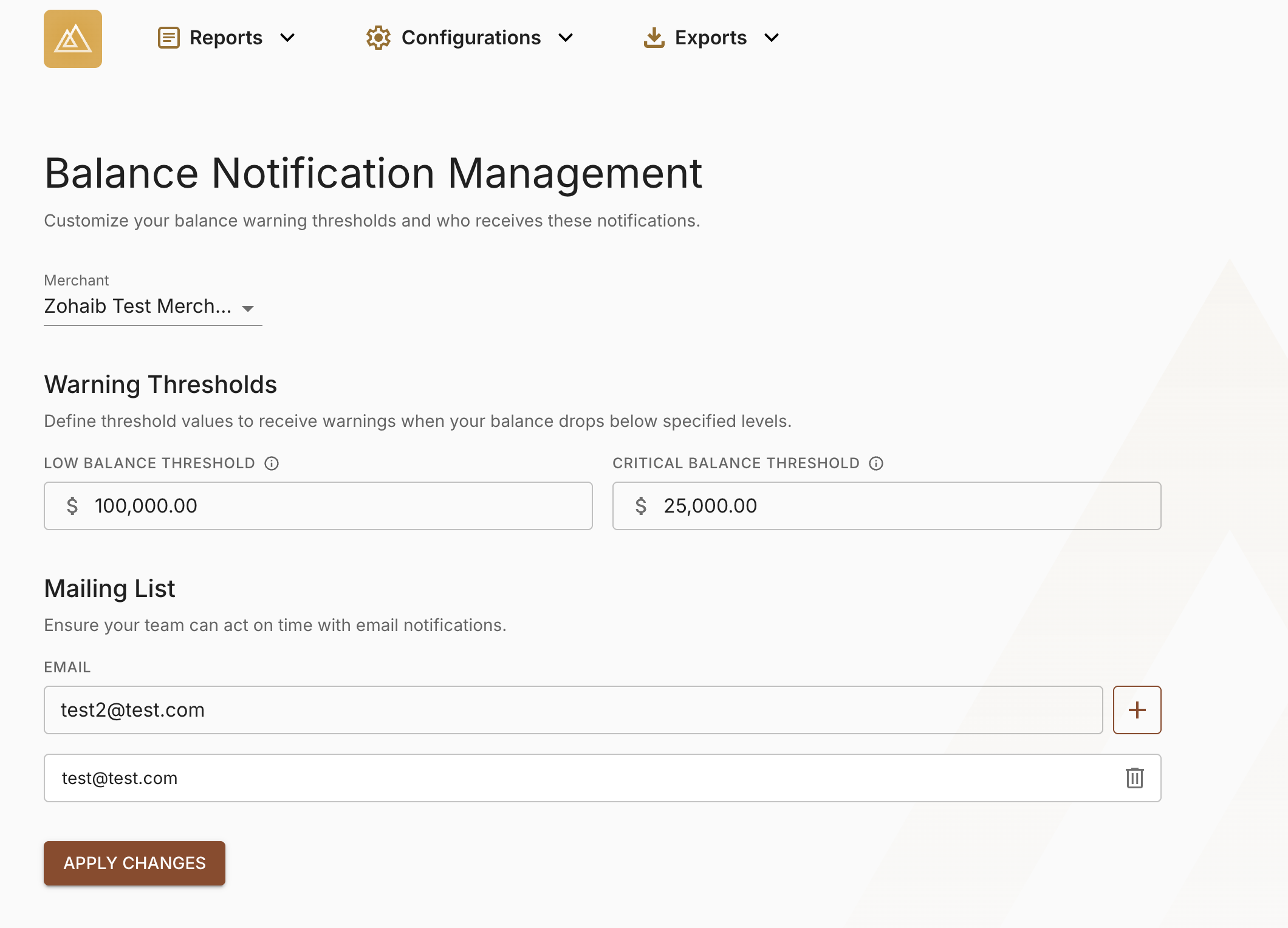
Set balance thresholds and mailing list recipients
- Set your Low Balance warning threshold by entering the appropriate value into the box.
- Define your Critical Balance warning threshold by entering an appropriate value into the box. This value must be lesser than your Low Balance warning threshold.
- Enter a new email address into the email box to add a new recipient to your mailing list. You can add additional recipients by clicking on the + sign.
- Click Apply Changes to save your thresholds and mailing list recipients.
Updated 3 months ago
Did this page help you?