
Merchant Account Reports
Overview
Merchant Account reports can be customized by date range, merchant account, currency, and display or file format. Report types include:
- Daily Summary - A summary of all merchant account transactions within the specified date range.
- Reimbursement - All merchant account reimbursements within the specified date range.
- Current Balance - Details about the merchant account's current available balance.
- Adjustment - All merchant account adjustments during the specified date range.
Daily Summary
The Daily Summary report includes summarized debit, credit, and return transaction data for the specified report period, segmented by day. In this report, a day is defined as the 24-hour period from midnight to midnight, Eastern Time (UTC-5), with daylight saving time applied when necessary.
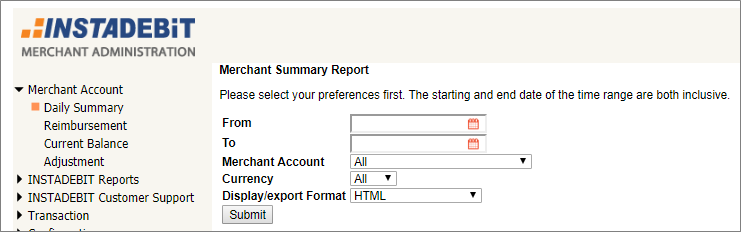
Total transaction amounts and counts are segmented by merchant account, day, transaction type, and transaction status. For example, the report displayed in Daily Summary report shows that, for the selected merchant on October 8, 2018, INSTADEBIT processed:
- 4 rejected Transfer to merchant transactions (CAD) with a total transaction amount of 131.00, a total settlement amount of 0.00, and a total transaction fee amount of 0.00.
- 5 successful Transfer to merchant transactions (CAD) with a total transaction amount of 96.00, a total settlement amount of 96.00, and a total transaction fee amount of 10.25.
The total number of results (that is, records or rows returned in the report), transaction amount, settlement amount, and transaction fee amount, and number of transactions for the reporting period are displayed at the bottom of the report. If the report includes multiple transaction currencies, the results, totals, and counts are separated by currency.
| Column | Contents |
|---|---|
| Date | The date that the INSTADEBIT system received the transaction. |
| Merchant | The name of the merchant account in the INSTADEBIT system. |
| Txn Type | The transaction type. Transfer to Merchant: Debits from consumer to merchant. Transfer from Merchant: Credits from merchant to consumer. FI Return: Final status returns charged back against the merchant account. |
| Txn Status | The transaction status. Successful: Transactions, including returns, that were processed successfully. Rejected: Transactions that were rejected by the INSTADEBIT system. Initiated: Transactions that were initiated by the merchant system but have not been processed. |
| Txn AMT | The total dollar amount of transactions with a specific type and status. |
| Settle AMT | The total dollar amount of settled transactions with a specific type and status. For rejected transactions, the settled amount is different from the transaction amount. |
| Txn Fee | The total dollar amount of transaction fees charged against the merchant account. |
| CUR | The transaction currency. |
| COUNT | The total number of transactions with a specific type and status. |
Reimbursement
The Reimbursement report includes all reimbursements to the merchant account within the specified date range. The Reimbursement report dates refer to when the reimbursement was processed, not the reimbursement period itself.
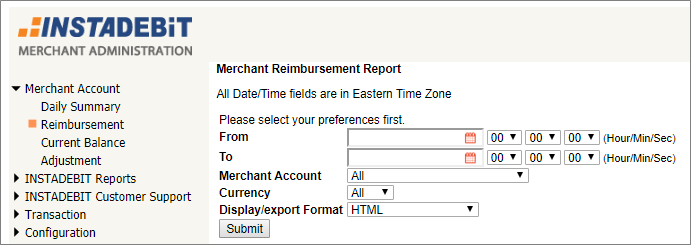
Dates are displayed in Eastern Time (UTC-5), with daylight saving time applied when necessary.
| Column | Contents |
|---|---|
| Processing Date & Time | The date that the INSTADEBIT system received the transaction. |
| Merchant | The name of the merchant account in the INSTADEBIT system. |
| CUR | The transaction currency. |
| Start Balance | The available merchant account balance at the start of the reporting period. The start balance for a reimbursement is usually $0 (zero). However, if the merchant requests a partial reimbursement, or pre-funds their merchant account in order to make payouts, the start balance may be positive. |
| Purchase | |
| Period | The beginning and ending dates for the reimbursed purchases reporting period. The reimbursement date ranges are different for purchases versus payouts, returns and adjustments. Purchases are settled within five (5) business days, whereas payouts, returns, and adjustments are deducted immediately from the merchant account. |
| Purchase | The total dollar amount of all debits during the reporting period. |
| Reserve | The total dollar reserve amount deducted for purchases during the reporting period. |
| Payout/Return/Adjustment | |
| Period | The beginning and ending dates for the reimbursed Payout/Return/Adjustment reporting period. |
| Payout | The total dollar amount of credits processed during the reporting period. |
| Return | The total dollar amount of final returns deducted during the reporting period. |
| Adjust | The total dollar amount of adjustments during the reporting period. Adjustments to the merchant account balance include transactions outside of the system, such as wire transfers into the merchant account to fund credits. |
| Released Reserve | The total dollar amount of matured reserve reimbursed during the reporting period. |
| Fee | The total dollar amount of processing fees charged for purchases, payouts, and returns during the reporting period. |
| HDL Fee | The total dollar amount of handling fees (usually wire fees) charged against the merchant account during the reporting period. |
| Disbursed Amount | The net dollar amount reimbursed to the merchant account. |
| End Balance | The available merchant account balance at the end of the reporting period. The end balance is $0 (zero) unless the merchant requests an amount to be carried over to use for credits. |
| Reserve Balance | The total reserve balance held after the reimbursement period. |
Current Balance
The Current Balance report, which follows the same format as the Reimbursement report, displays a summary of all merchant transactions for a specified period. The Current Balance report starts with an opening balance and totals all account activities that took place during the reporting period.
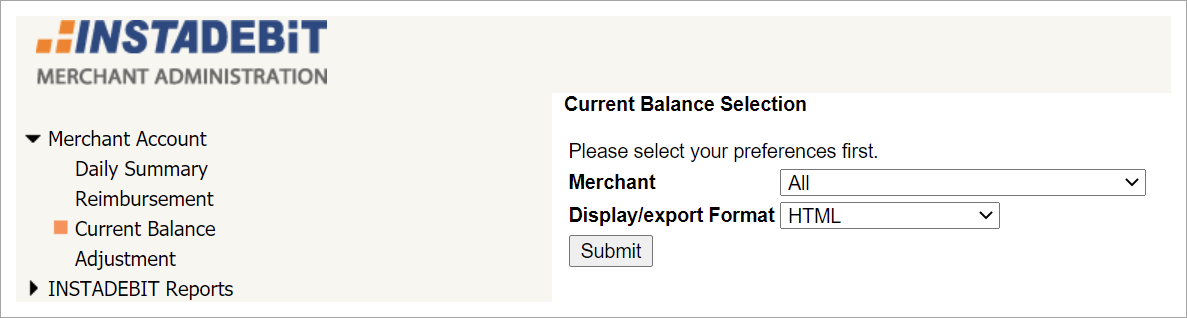
**NOTE ** In the Current Balance report, the opening balance is labeled Start Balance and the current balance is labeled End Balance.
The formula for calculating the current balance is:
Start Balance + (Purchase - Reserve) - Payout + (Return + Adjust) + Reserve TBR - Fee = End Balance
For example, the current balance in the report displayed in Current Balance report is calculated with the following values:
0.00 + (4277.15 - 213.85) - 4430.29 + (10.53 + 1110.00) + 0.00 - 529.90 = 223.64
Additional details about the current balance:
- The End Balance is the current cleared and settled amount in the merchant account. This is the total amount that can be reimbursed to the merchant or used for crediting to consumers.
- Purchase transaction amounts are credited to the merchant account at the end of the 4th business day after the transaction is completed.
- Payout and return transaction amounts are debited immediately from the merchant account.
Adjustment
The Adjustment report includes all merchant account adjustments within the specified date range.
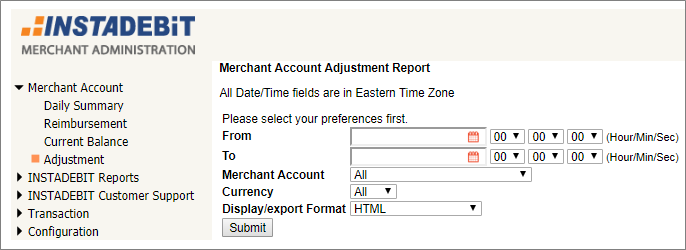
Dates and times are displayed in Eastern Time (UTC-5), with daylight saving time applied when necessary.
| Column | Contents |
|---|---|
| Date & Time EST | The date and time that the INSTADEBIT operator processed the adjustment. |
| Trans ID | The unique adjustment transaction identifier assigned by INSTADEBIT. |
| Trans Type | The transaction type. Account Adjustment: Merchant account adjustment. |
| Adjustment Type | The adjustment type. Manual Collection: Adjustment due to successful collection on returns. Payout Cancellation: Adjustment due to canceled payouts. Manual Adjustment: Other adjustment, such as a wire transfer to the merchant account. |
| Merchant | The name of the merchant account in the INSTADEBIT system. |
| CUR | The transaction currency. |
| AMT | The dollar amount of the adjustment. |
| Fee | The dollar amount of the adjustment fee charged against the merchant account. |
| Notes | (Optional) The description of the adjustment. |
| Admin | The INSTADEBIT operator who processed the adjustment. |
Updated 4 months ago